For research use only. Not for human consumption, diagnostic, or potential wellness benefit.
Why Your Research Peptide Brand Needs a Digital Asset Management System
A research peptide brand generates dozens of digital files every week – product images, Certificates of Analysis, RUO disclaimers, blog content, email templates, and ad creatives. Without a system, finding the right asset becomes a scavenger hunt.
The global digital asset management (DAM) market was valued at USD 5.3 billion in 2024 and is projected to reach USD 10.3 billion by 2029 at a 14.0% CAGR, according to a MarketsandMarkets report.
A DAM system provides a centralized platform to store, organize, and retrieve marketing files. For YourPeptideBrand members, a DAM ensures every asset carries the required RUO disclaimer and is version-controlled – transforming asset retrieval from a scavenger hunt into a structured, repeatable workflow.
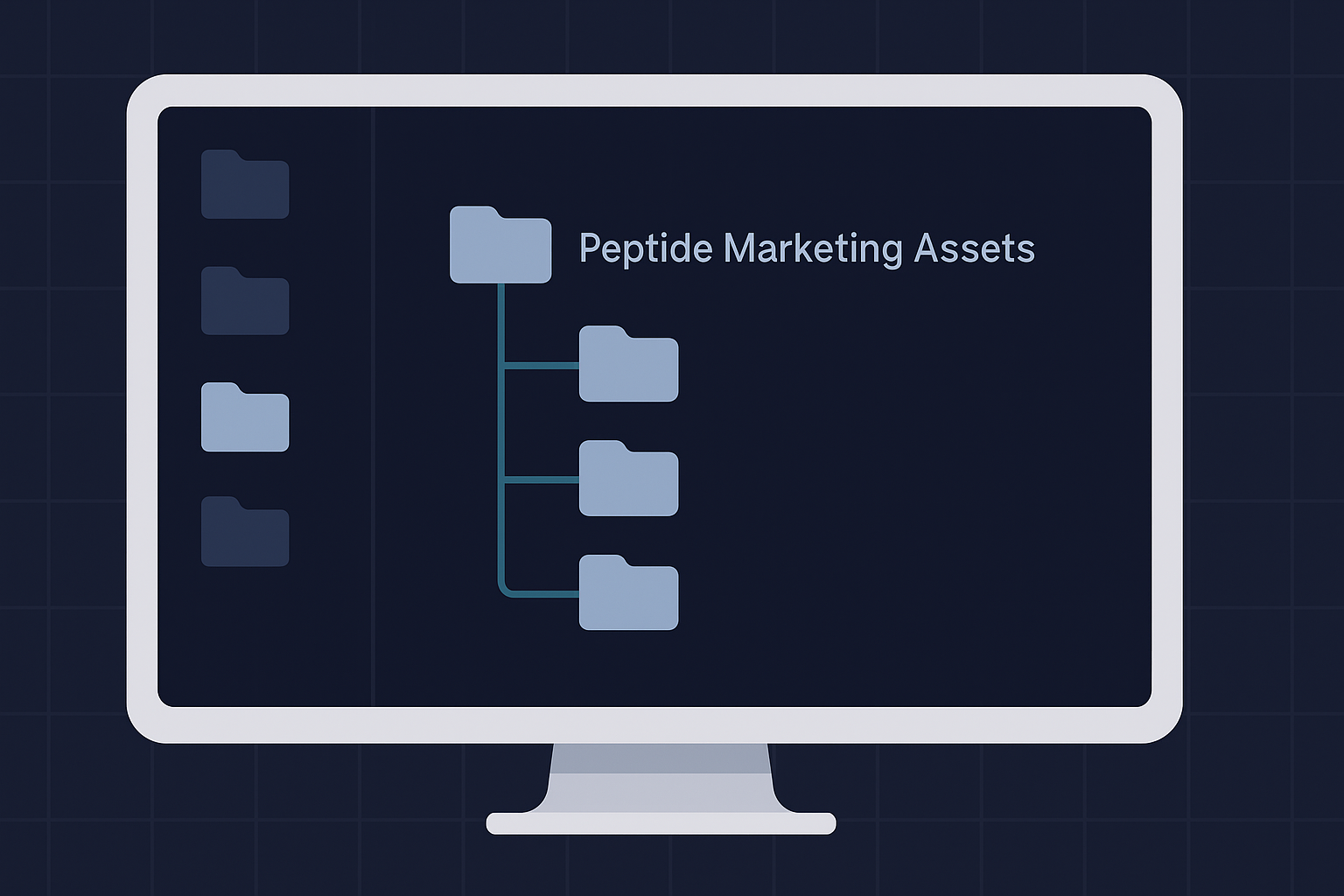
Design a 3-Level Folder Hierarchy for Your Peptide Brand
A deep folder hierarchy sounds organized until it buries a file six clicks deep. Research from ResourceSpace recommends keeping folder hierarchies to 3-4 levels maximum to maintain usability. A standard 3-level parent-child structure preserves that speed while keeping your research peptide assets compartmentalized.
Level 1 defines broad categories: Brand Assets, Product Content, Campaign Assets, and Compliance. Level 2 breaks those down. Under Product Content, for example, you store COAs, Product Images, Research Summaries, and Label Proofs. Under Brand Assets, you store logos, RUO disclaimers, and packaging templates. The third level adds date or version subfolders, such as 2026-03-Approved or Archive. Bynder’s taxonomy guide recommends that folder names mirror your file naming conventions so navigation stays consistent across platforms.
Concrete naming examples for this architecture include:
- /Brand-Assets/RUO-Disclaimers/2026/
- /Product-Content/BPC-157/COAs/
- /Campaign-Assets/Q1-2026/Social-Graphics/

Consistent labeling across these levels supports the role of visual consistency in brand trust. When folder names follow file-naming logic, your team can locate the latest COA or label proof for a specific research peptide without hunting through mislabeled directories. This structure scales whether you manage five products or fifty.
Build a File Naming Convention That Scales
Consistent file naming is the single most impactful lever for asset findability. It improves searchability, reduces errors, and supports automation (Interrupt Media, 2025). A systematic approach ensures every file is easy to locate and identify.
The core formula is: [CompoundCode]-[AssetType]-[DateYYYYMMDD]-[Version]. The compound code uses a standardized abbreviation (e.g., BPC157 for BPC-157). The asset type covers categories like ProductImage, ResearchGuide, MarketingEmail, or COA. The date in YYYYMMDD format ensures files sort chronologically. The version number, starting at v01, tracks iterations.
Apply a naming convention using this comparison:
| Bad Name | Good Name |
|---|---|
| IMG_001.jpg | BPC157-ProductImage-20260315_v01.jpg |
| Final.pdf | Sermorelin-ResearchGuide-20260315_v02.pdf |
| Copy(2).docx | Email-BulkDiscount-20260315_v01.docx |
Best practices from Acquia (2025) include using hyphens instead of underscores, YYYYMMDD dates for automatic sorting, and three-digit version numbers (v001). Avoid spaces, special characters, and vague terms like "final" or "copy". Digital asset management guidelines (Pics.io, 2025) echo these practices for scalability and automation.
For Certificate of Analysis (COA) files, include the batch number in the file name for audit-ready traceability. This links the file directly to the specific batch, simplifying quality assurance checks.
RUO compliance requires file names to clearly indicate asset type, such as "COA" or "RUO-Disclaimer", to prevent mislabeling. This ensures that marketing materials remain accurate and compliant with research-use-only standards.
For a deeper look at compliance workflows, see our guide on building a compliance review process for marketing content.
Implementing this convention reduces time spent searching and minimizes the risk of using outdated or incorrect assets.
Why Organized Assets Matter for Your White-Label Research Peptide Business
Entrepreneurs launching a branded research peptide line through YourPeptideBrand receive custom labels, packaging, and marketing collateral. Organized asset libraries let them manage multiple brand identities across product lines. Without a system, files get lost and rework costs time.
YPB’s no-MOQ model allows starting small with organized systems that scale. On-demand label printing means each batch gets a unique label file. Custom packaging assets and batch-specific COAs also need a structured home. A consistent naming convention prevents confusion when managing dozens of SKUs.
Business impact is measurable. A 2024 Canto study found 63% of organizations using digital asset management report improved collaboration. For multi-location clinic brands, faster campaign execution translates directly to revenue. Organized assets reduce time spent searching for files and ensure brand consistency.
Download Our Full 60+ SKU Catalog
White-label research peptides, wholesale pricing, and dropshipping details.
Organize Assets by Product Line and Compliance Stage
A single folder holding 60+ SKUs breaks down fast. You need two organizational dimensions: product line and compliance status. This mirrors how a regulated lab manages its materials.
Compound Class Folders
Start with top-level folders by research-peptide class: Growth Factors, Research Peptide Blends, NAD+ Precursors, and so on. Each class holds its own labels, COAs, and research summaries. ResourceSpace (2022) recommends limiting folder depth and using active descriptive names to maintain findability.
Status-Based Workflow Subfolders
Inside each class folder, build a standard subfolder set: Draft / In Review / Approved / Archived. This simple workflow keeps non-approved COAs and old label drafts out of your published feed. Archive outdated assets rather than deleting them – you may need the audit trail later. For the research-summary subfolder, follow the guidelines on referencing clinical research correctly.
Ready to Launch Your White-Label Research Peptide Brand?
Book a free call with our team. We will walk you through pricing, setup, and your first order.
Manage Certificates of Analysis Like a Compliance Pro and Set Up Approval Workflows
Every research peptide batch shipped by YourPeptideBrand comes with a third-party tested Certificate of Analysis. Name each COA file using the batch number, compound name, and date. That structure lets you find any report in seconds, even months later.
Use the YPB Certificate of Analysis library as your central repository. If you store COAs in your own digital asset manager, mirror YPB’s batch-number system exactly. Mismatched file names cause retrieval errors when auditors or buyers ask for proof.
Set up a three-stage workflow. Create means a draft folder for incoming PDFs. Review runs a compliance check that confirms each COA matches the batch, plus a quick RUO-labeling verification. Approve moves the file to a final folder. Log every version so you can track who touched which file and when.
For high-risk marketing assets, route them through an external regulatory audit in addition to your internal review. For ideas on automating parts of this check, read our guide on integrating AI assistants for brand management.
Calculate Your White-Label Margins
See exactly how much margin you can make at your price point.
Frequently Asked Questions About Organizing Peptide Marketing Assets
What is the most effective folder structure for organizing peptide marketing assets?
A 3-level hierarchy works best: Level 1 by broad category (Brand Assets, Product Content, Campaign Assets), Level 2 by subcategory (Logos, COAs, Research Summaries), and Level 3 by date or version. This structure supports searchability and ensures compliance assets like RUO disclaimers are always findable. Brands using standardized DAM taxonomies report significantly faster retrieval times according to research published by Canto in 2025.
What file naming convention should a peptide brand use for COA documents?
Use a consistent format such as: [PeptideName]-[BatchNumber]-[COA]-[DateYYYYMMDD]. Example: BPC157-B240315-COA-20250315. This convention makes every Certificate of Analysis uniquely identifiable at a glance, supports version control, and allows batch-level traceability. According to research published by Acquia in 2025, file naming conventions are frameworks for naming digital files in a descriptive, accurate, and consistent manner.
How should a peptide entrepreneur manage version control for marketing collateral?
Append a version suffix to every file name using a 3-digit scheme: v001, v002 … v999. Store the current approved version in a designated ‘Approved’ folder and move superseded files to an ‘Archive’ folder. ResourceSpace’s 2022 study on file naming best practices recommends using the YYYYMMDD date format combined with version numbers so files sort chronologically.
What metadata should a peptide brand track for each digital asset?
Key metadata fields include: compound name, batch number (for COAs), date created, version number, asset type (image, document, video), RUO compliance status, and approval status. Bynder’s 2025 taxonomy guide notes that consistent metadata mapping enables automated tagging and improves asset discoverability across marketing platforms.
How does asset organization support RUO compliance in marketing?
Organized asset libraries allow brand owners to quickly locate and verify that every marketing piece carries the required RUO disclaimer. A structured folder system with a dedicated ‘Compliance Templates’ section ensures no asset is published without proper labeling. Interrupt Media’s 2025 guide on naming conventions emphasizes that naming conventions are crucial for improving file searchability and reducing errors.
How does YourPeptideBrand help entrepreneurs organize their marketing assets?
YourPeptideBrand provides pre-approved product descriptions, compliant RUO disclaimer templates, and a library of marketing assets including brochures and social graphics. Members receive batch-specific COAs organized by catalog SKU. Brands can use YPB’s on-demand label printing system to generate consistent custom labels, eliminating the need to manage separate label files for each batch.
What is the first step for a new peptide brand to organize its digital assets?
The first step is auditing existing assets: gather all logos, product images, COAs, blog content, email templates, and ad creatives into a single location. Then define a naming convention and folder hierarchy before reorganizing. Brands that document their conventions in a shared reference guide, as recommended by DAM best practices, achieve faster onboarding for new team members.
Can a peptide brand use a free tool for digital asset management?
Yes. Google Drive or Dropbox with a well-designed folder structure and documented naming conventions provides a functional zero-cost DAM for early-stage brands. As the brand scales, dedicated DAM platforms like Bynder, Canto, or Brandfolder offer automated tagging, AI search, and approval workflows. The YPB Profit Calculator helps brands model whether DAM investment aligns with their growth stage.
Launch Your Organized Brand Today
An organized asset system saves time, ensures RUO compliance, and scales with your brand. Whether you are a clinic owner buying in bulk or an entrepreneur building a dropshipping brand, starting with a clean DAM foundation sets you up for smooth operations.
Own your RUO research peptide brand with no MOQ, on-demand dropship, and COA on every batch. Run the numbers using the Profit Calculator or book a call to discuss your specific needs.
Ready to Launch Your White-Label Research Peptide Brand?
Book a free call with our team. We will walk you through pricing, setup, and your first order.
Last updated: July 2026